3D Wings Couple Name Art Prompts for Bing Image Creator: Viral Love & DP Trends
- • Overview & Viral Trend
- • How to Create This Photo (Step-by-Step)
- • Prompt 1: Neon Angel Wings Park Bench Couple with Custom Names
- • Prompt 2: Royal Gold Wings Luxury King & Queen Throne
- • Prompt 3: Cyberpunk Neon Wings on High-Rise Rooftop
- • Prompt 4: Cozy Winter Cabin Glowing Fire Wings
- • Pro Tips for Realistic Results
- • Frequently Asked Questions
On Instagram and WhatsApp status, 3D romantic couple portraits featuring glowing neon wings and customized names have become a viral sensation. Couples use these as matching profile pictures (DPs) and anniversary stories.
With Microsoft Bing Image Creator (powered by DALL-E 3), creating these personalized 3D artworks takes less than 30 seconds and is completely free.
Below are 4 master templates that you can customize with your name and your partner's name.
How to Create This Photo (Step-by-Step Guide)
- 1Open bing.com/images/create in your browser and sign in with your free Microsoft account.
- 2Pick your favorite prompt from the 4 options below and click 'Copy Prompt'.
- 3Paste the prompt into Bing, replacing the bracketed names (e.g. [BoyName] and [GirlName]) with your actual names.
- 4Click 'Create'. In 10 to 15 seconds, Bing will generate 4 unique variations for free download.
Tested AI Photo Editing Prompts
Copy the prompt and click Create Image to open ChatGPT / Bing.
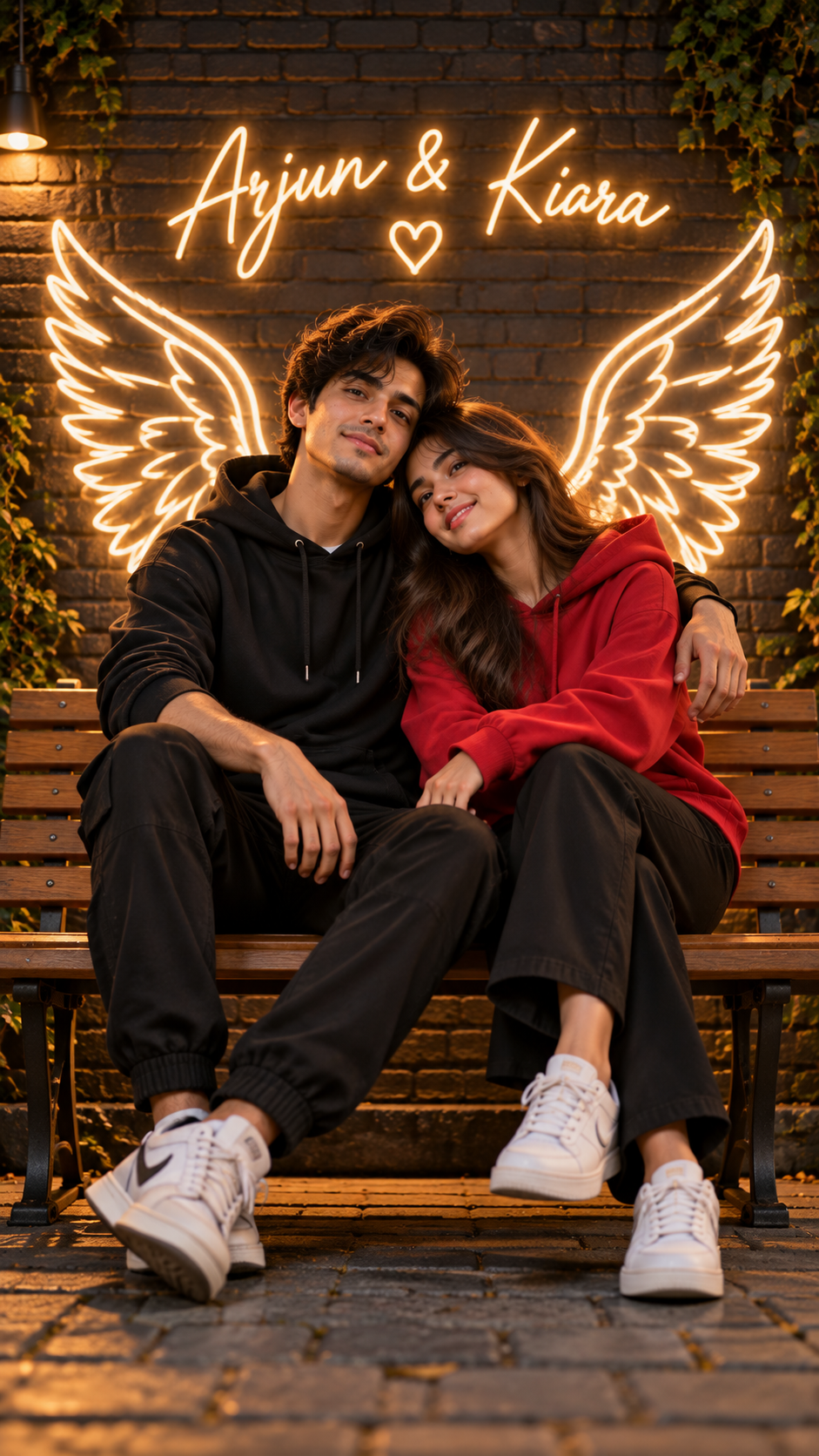
Prompt 1: Neon Angel Wings Park Bench Couple with Custom Names
Create a realistic 3D illusion of an attractive 22-year-old couple sitting closely together on a modern wooden park bench. The boy is wearing a black stylish hoodie and sneakers, and the girl is wearing a stylish red hoodie and white sneakers. Behind them on a dark aesthetic brick wall are large glowing white neon angel wings. In glowing neon cursive typography on the wall, write "[BoyName] & [GirlName]". Warm ambient lighting, romantic atmosphere, soft studio rim light, 8k resolution octane render.
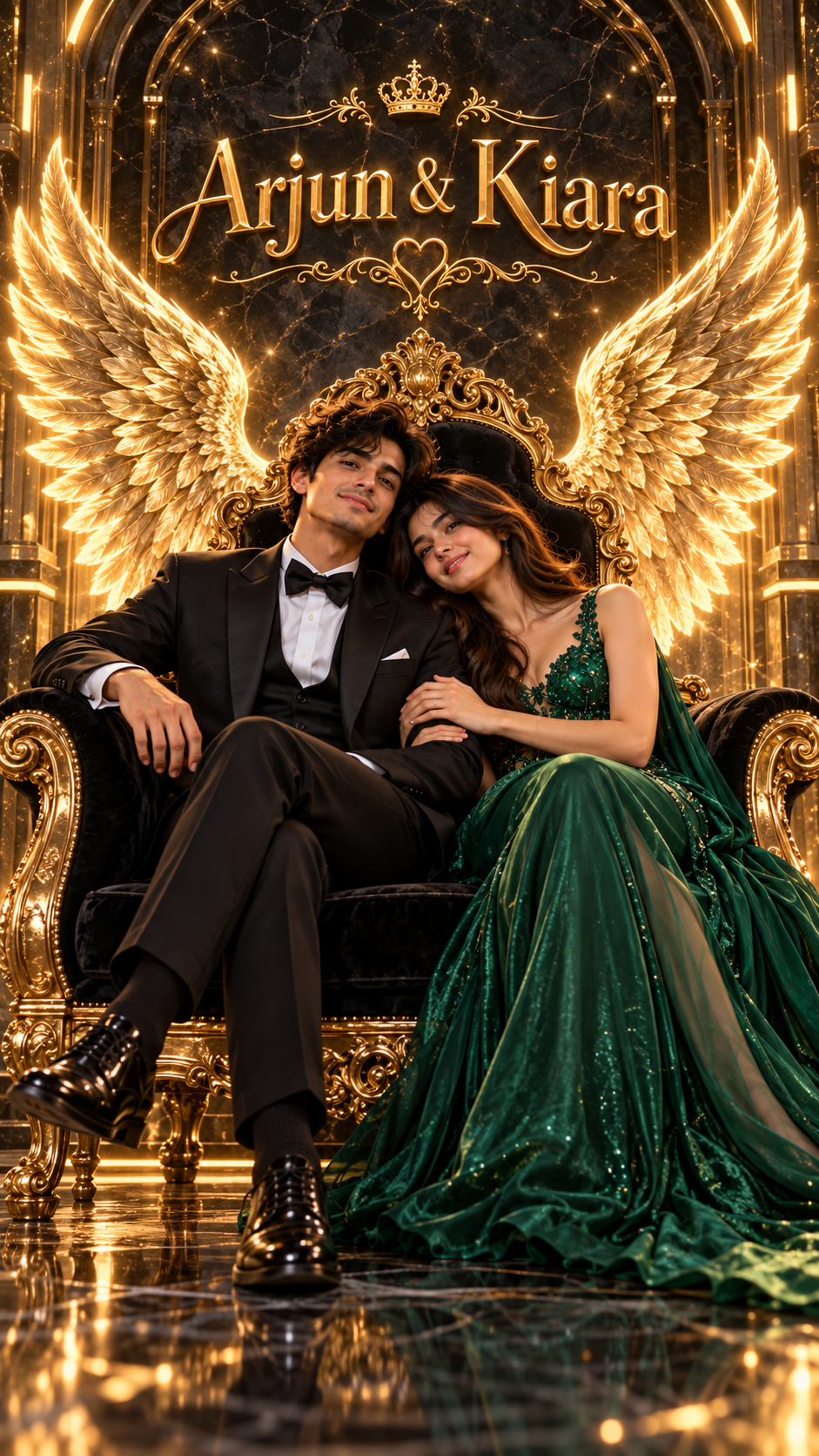
Prompt 2: Royal Gold Wings Luxury King & Queen Throne
A hyper-realistic 3D render of a romantic couple seated side by side on an ornate gold and black velvet luxury throne. Behind them emerge magnificent glowing golden feathered angel wings. The boy wears a tailored black tuxedo and the girl wears an elegant emerald green evening gown. In radiant 3D metallic gold letters on the marble background write "[BoyName] & [GirlName]". Cinematic studio lighting, opulent reflections, 8k UHD.
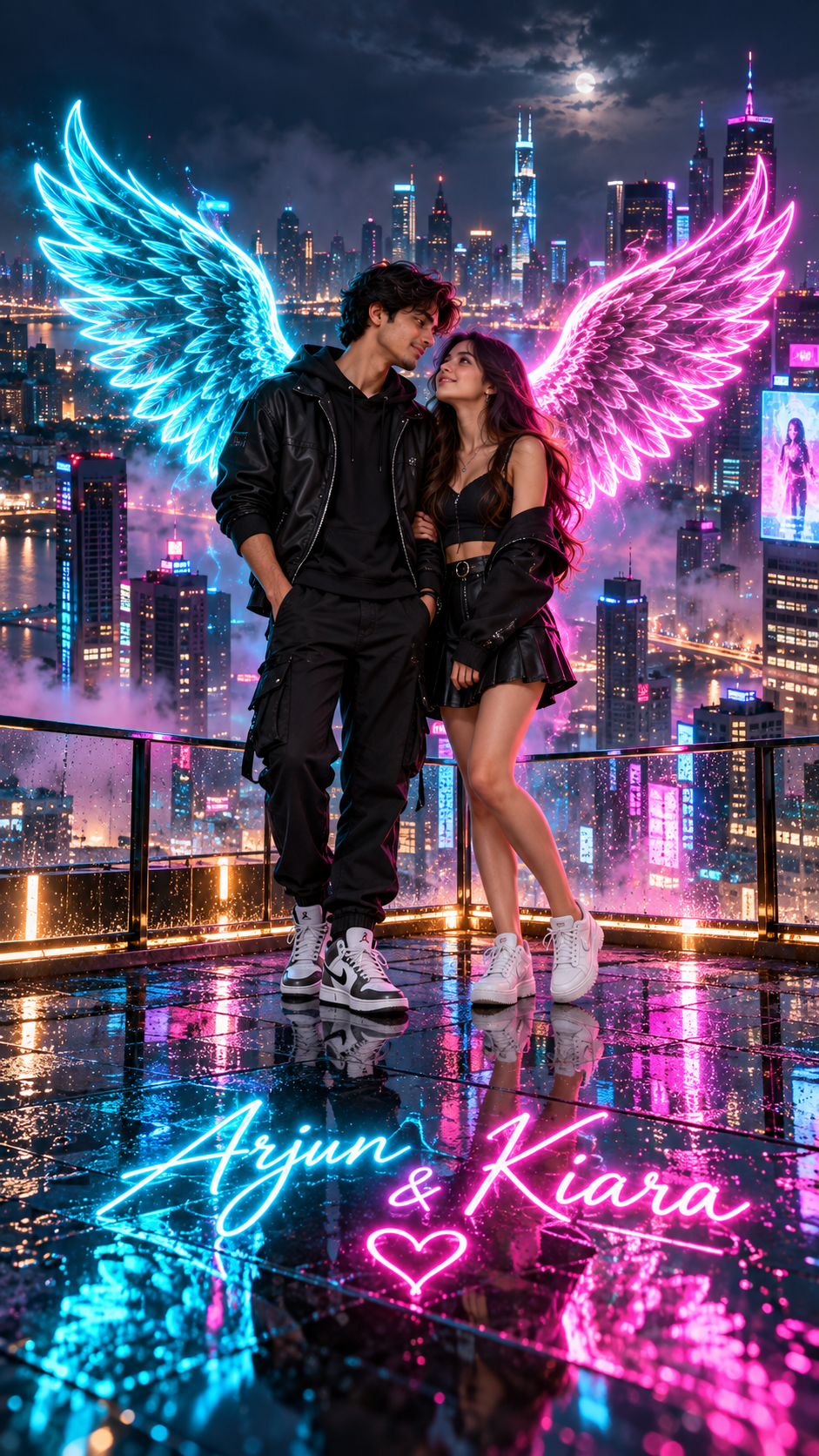
Prompt 3: Cyberpunk Neon Wings on High-Rise Rooftop
A 3D romantic couple standing together on a glass rooftop overlooking a futuristic neon city skyline at night. Glowing cyan and magenta holographic wings spread majestically behind both of them. In glowing neon signage reflected in the glass floor, write "[BoyName] & [GirlName]". Volumetric fog, rain puddles reflecting city lights, ultra-detailed 8k render.
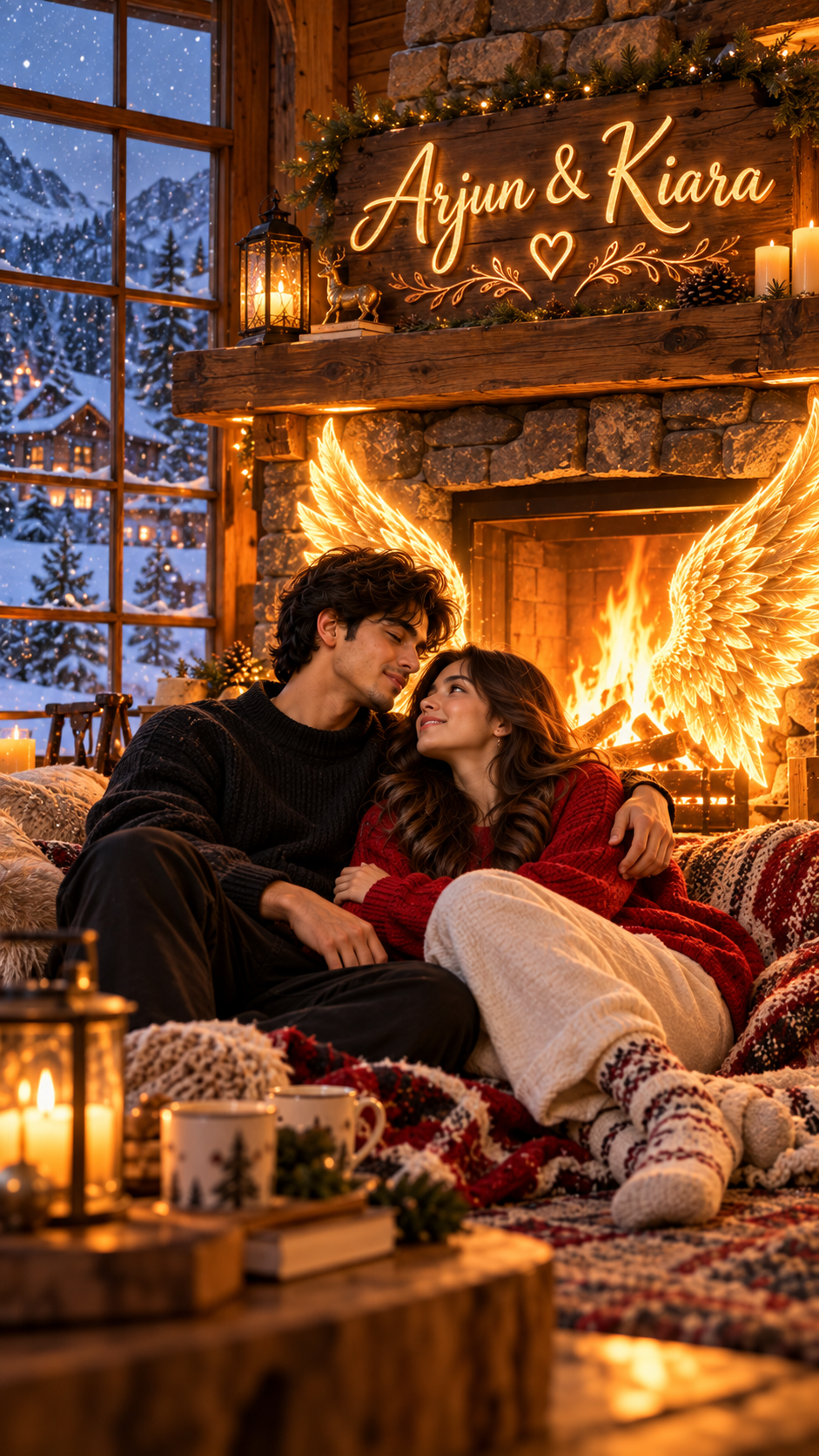
Prompt 4: Cozy Winter Cabin Glowing Fire Wings
A warm and romantic 3D couple sitting embraced near a rustic stone fireplace in a cozy mountain snow cabin. Warm glowing flame-colored angel wings emerge from the warm fireplace hearth behind them. In carved glowing wooden script above the mantelpiece, write "[BoyName] & [GirlName]". Falling snow visible outside the large window, golden warm interior illumination, 8k resolution.
Pro Tips for Maximum Realism
- •Always keep names in quotation marks (e.g. "RAHUL & PRIYA"). Capital letters render significantly more legibly on the 3D wall than lower-case script.
- •If the AI misspells a name, click 'Create' again without modifying the prompt — DALL-E 3 generates fresh seed spelling on each attempt.
- •For couple matching DPs, use 1:1 aspect ratio.
Frequently Asked Questions
How do I make the names appear correctly?
Keep names short (1 to 2 words per person) and enclosed in double quotation marks with all capital letters for clean rendering.
Is Bing Image Creator completely free?
Yes, Microsoft provides daily free boosts with every free Microsoft account.