Instagram User Block AI Photo Prompt: Create Emotional Old-Memory Edits
- • Overview & Viral Trend
- • How to Create This Photo (Step-by-Step)
- • Prompt 1: Moving into 2026 With Your Memories (Walking Alone at Night)
- • Prompt 2: Dark Aesthetic Instagram Blocked Profile with Floating Memories
- • Prompt 3: Rainy Window Reflections & Old Polaroid Memories
- • Prompt 4: Solitary Silhouette on Empty Railway Track at Twilight
- • Pro Tips for Realistic Results
- • Frequently Asked Questions
Old photographs can instantly bring back people, places, and emotions we thought we had forgotten. When these memories are captured with moody cinematic lighting, rain-slicked city streets, and dark aesthetic profile interfaces, they become viral emotional art on social platforms.
The 'Moving into 2026 with your memories' and 'Instagram User Blocked' aesthetic features a person walking alone through misty city streets while memories, glowing broken-heart symbols, or faint chat screenshots drift softly in the atmospheric background.
Below are 4 copy-paste prompt formulas that evoke deep emotion, moody atmosphere, and cinematic depth.
How to Create This Photo (Step-by-Step Guide)
- 1Select your favorite emotional memory prompt below and tap 'Copy Prompt'.
- 2Head over to Bing Image Creator (copilot.microsoft.com/images/create).
- 3Paste the prompt into the creation text field.
- 4Customize any specific details like clothing color or weather setting if desired.
- 5Hit 'Create' and download your emotional cinematic portrait.
Tested AI Photo Editing Prompts
Copy the prompt and click Create Image to open ChatGPT / Bing.
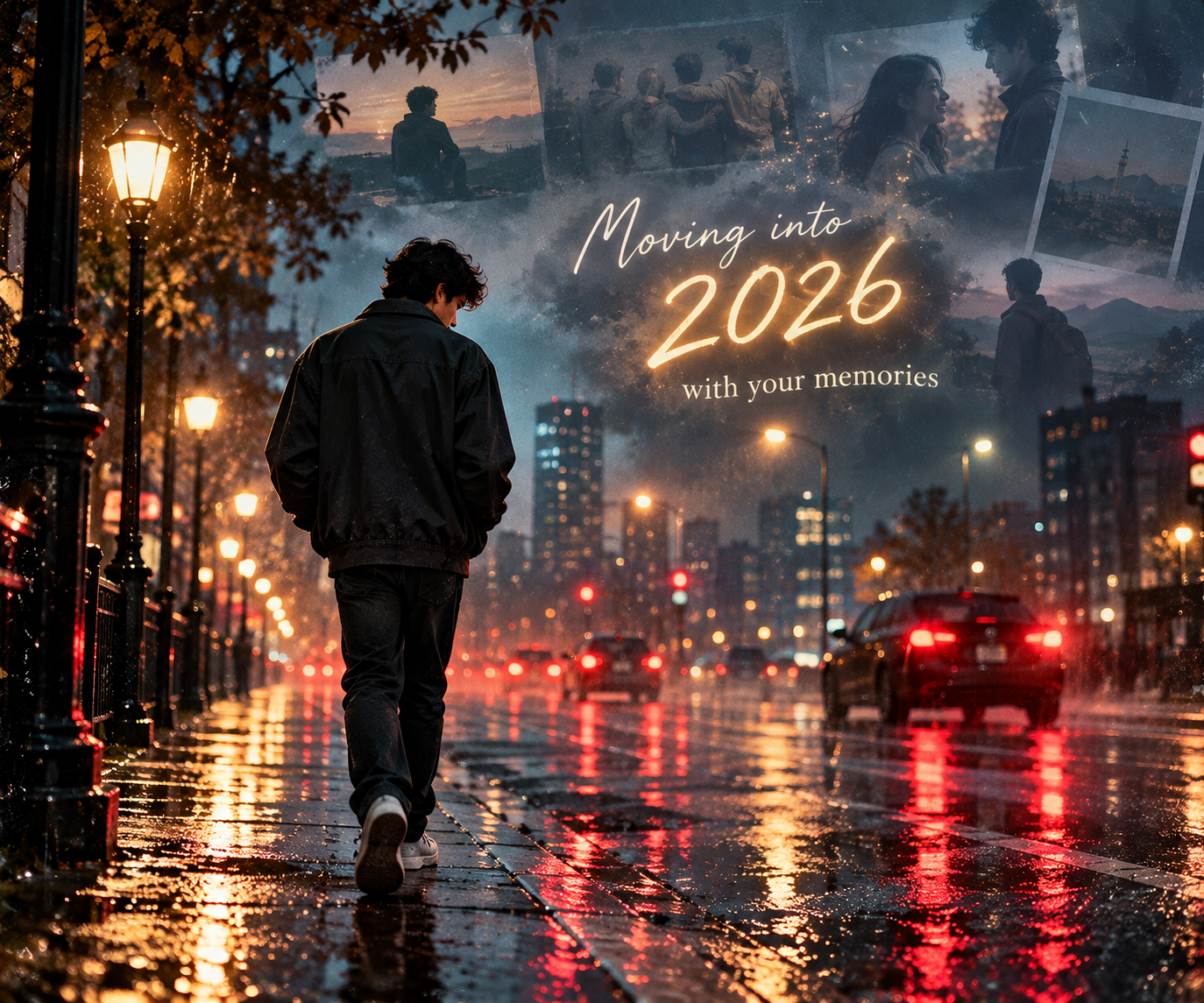
Prompt 1: Moving into 2026 With Your Memories (Walking Alone at Night)
A deeply emotional cinematic shot of a young boy walking slowly down a quiet rainy city street at midnight, seen from a three-quarter back angle. Wearing a dark oversized jacket with hands in pockets. Faint translucent memories and soft blurred glowing text 'Moving into 2026 with your memories' floating in the misty air above. Wet asphalt reflecting red taillights and moody street lamps, melancholy atmosphere, cinematic film grain, 8k resolution.
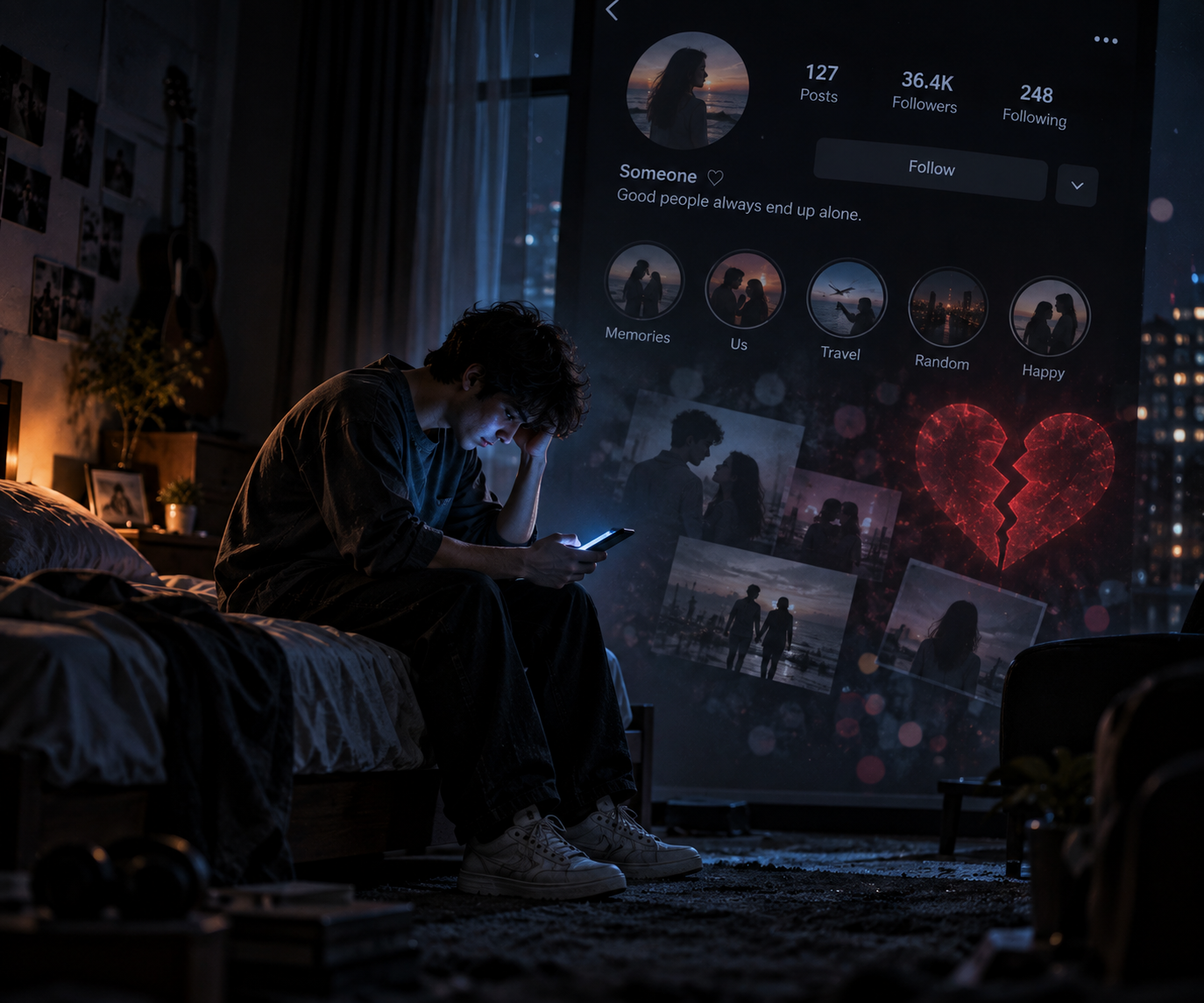
Prompt 2: Dark Aesthetic Instagram Blocked Profile with Floating Memories
A dramatic 3D emotional edit of a lonely figure sitting on the edge of a bed in a dimly lit dark room, illuminated only by the faint blue glow of a smartphone screen. In the background air, a subtle dark-mode social media profile interface is visible with a broken red heart symbol and soft bokeh light particles. Moody cinematic shadows, ultra-realistic textures, sad aesthetic portrait, 8k render.
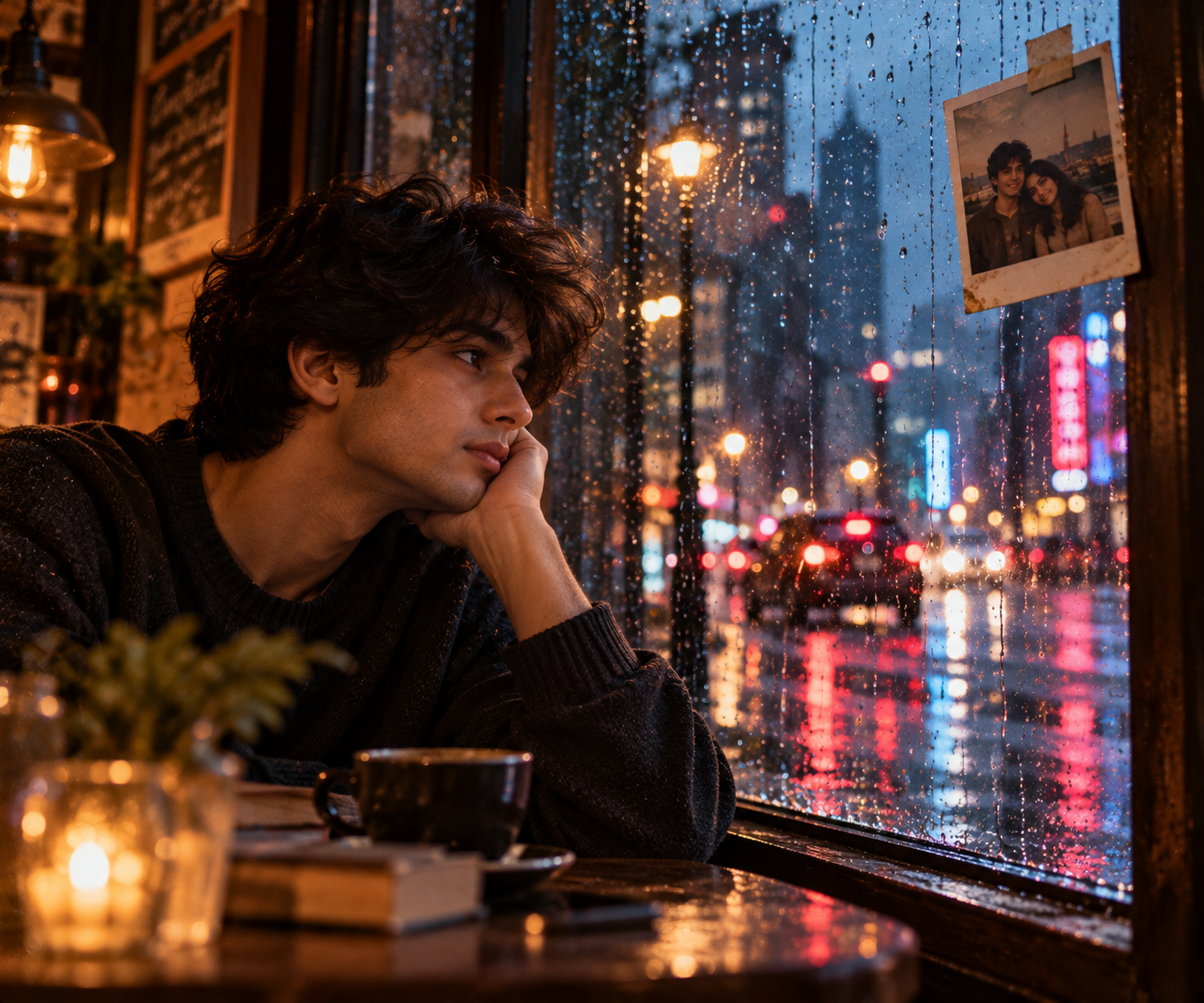
Prompt 3: Rainy Window Reflections & Old Polaroid Memories
Cinematic close-up portrait of a contemplative young person looking out of a rain-streaked cafe window on a stormy evening. Raindrops dripping down the glass pane with soft city street neon bokeh glowing outside. Taped to the corner of the window frame is a small vintage faded polaroid of happy memories. Nostalgic melancholy mood, shallow depth of field, 85mm lens, photorealistic 8k.
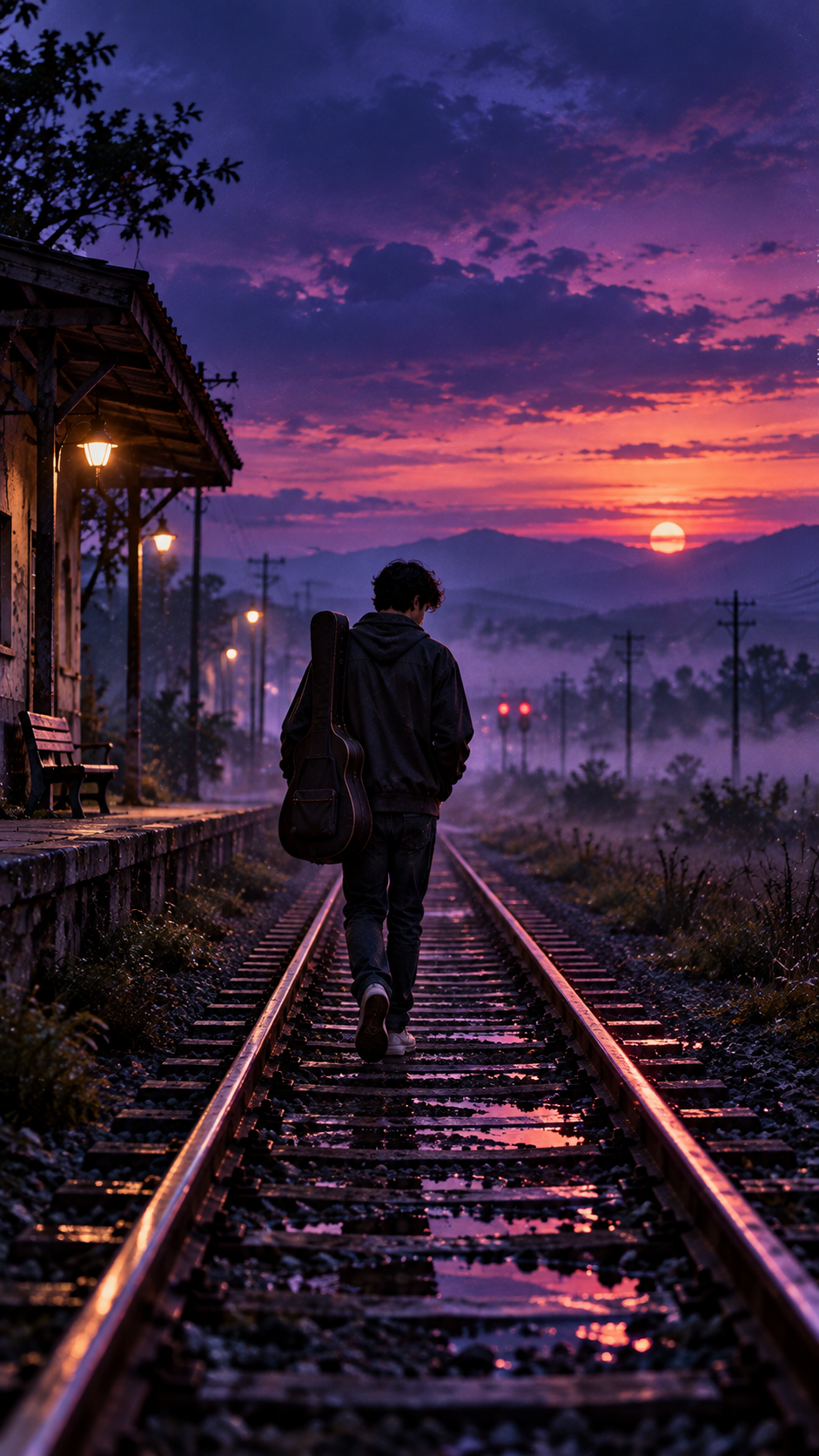
Prompt 4: Solitary Silhouette on Empty Railway Track at Twilight
A vertical 9:16 cinematic portrait of a solitary person walking along an empty abandoned railway track stretching into a deep purple and indigo twilight horizon. Soft evening fog rising from the ground, carrying an acoustic guitar or duffel bag, cool emotional color palette, cinematic rim light, emotional storytelling visual, photorealistic 8k render.
Pro Tips for Maximum Realism
- •Use words like 'melancholy atmosphere', 'rain-streaked glass', and 'faint translucent memories' to guide the AI's emotional tone.
- •Pair dark indigo or deep slate color palettes with single warm accent lights (like a smartphone screen or street lamp) for maximum dramatic contrast.
- •Specify camera perspectives like 'three-quarter back angle' or 'solitary silhouette' for impactful narrative framing.
Frequently Asked Questions
Can I add custom names to these memory edits?
Yes, you can append 'with glowing cursive text \"[Name]\" in the background mist' to personalize any of the prompts.
What is the best aspect ratio for Instagram Stories and Reels?
Use 9:16 for vertical stories and reels, or 1:1 for square grid posts.